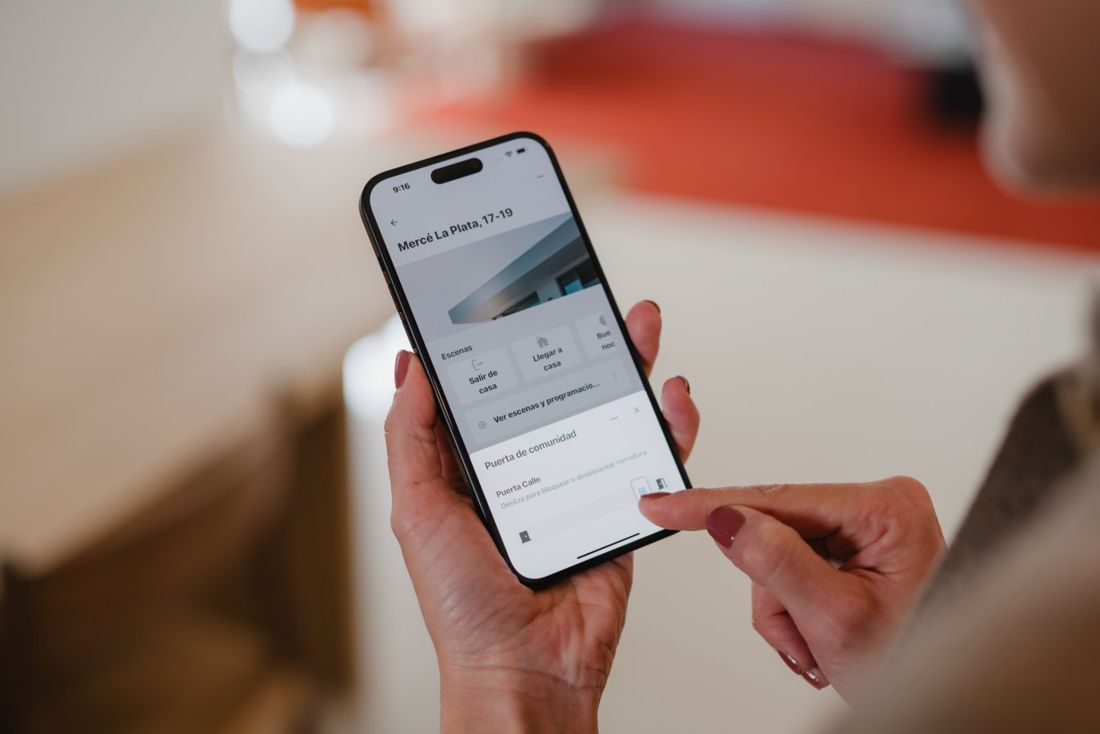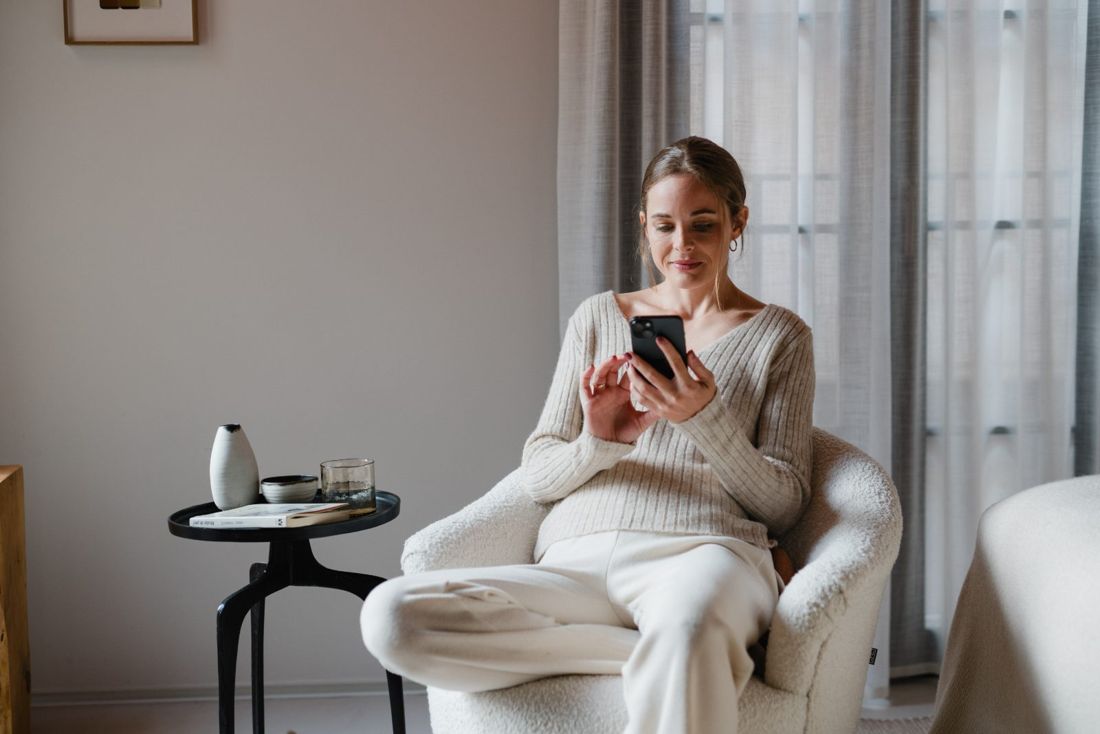
Lights and blinds
Turn the lights on, dim them and change their colour. Raise the blinds one by one or all at once.
You specify the home automation for the development and each buyer chooses their pack in the configurator. Lights, climate, blinds and the door, in the same app as the main entrance and the community.
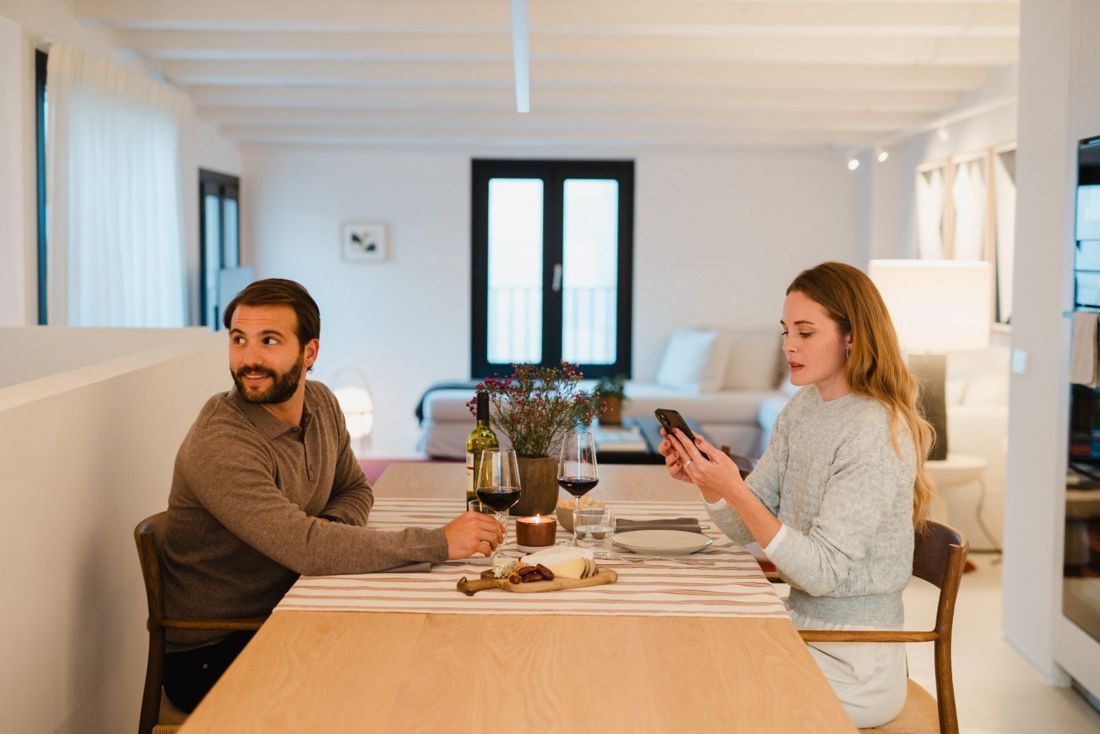
Sales and technical directors at developers building new homes for sale.
You need to stand out from other developments and give buyers something they notice from day one, without complicating the build.
Homes with home automation as standard, connected to the main entrance, the shared areas and the community. Homes sell better and the extras are additional margin.
You define the home automation for the whole development. Each buyer adapts it to their home.
Home works the same with both: the same app, the same scenes and Alexa. What changes is how it reaches each light, each blind and each thermostat.
In a new build you can wire the development with KNX. Home integrates it: the bus, push buttons and actuators are controlled from the same app.
The modules go behind the switch, in the same box. No need to wire a bus.
With the switches you choose. Switches, push-buttons and sockets in the brand and finish you like: Home works behind them, out of sight.
Everything from the Alfred Smart app, with scenes and by voice.
Turn the lights on, dim them and change their colour. Raise the blinds one by one or all at once.
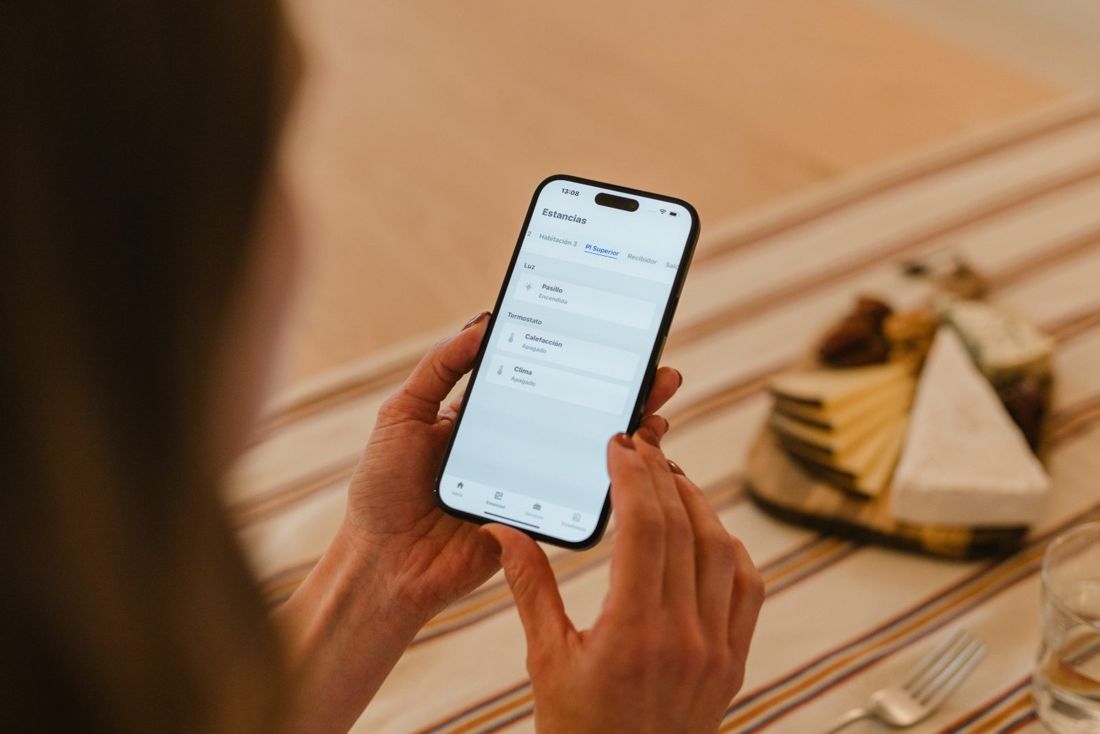
Temperature from 17 to 30 °C in each room, with schedules for weekdays and weekends.
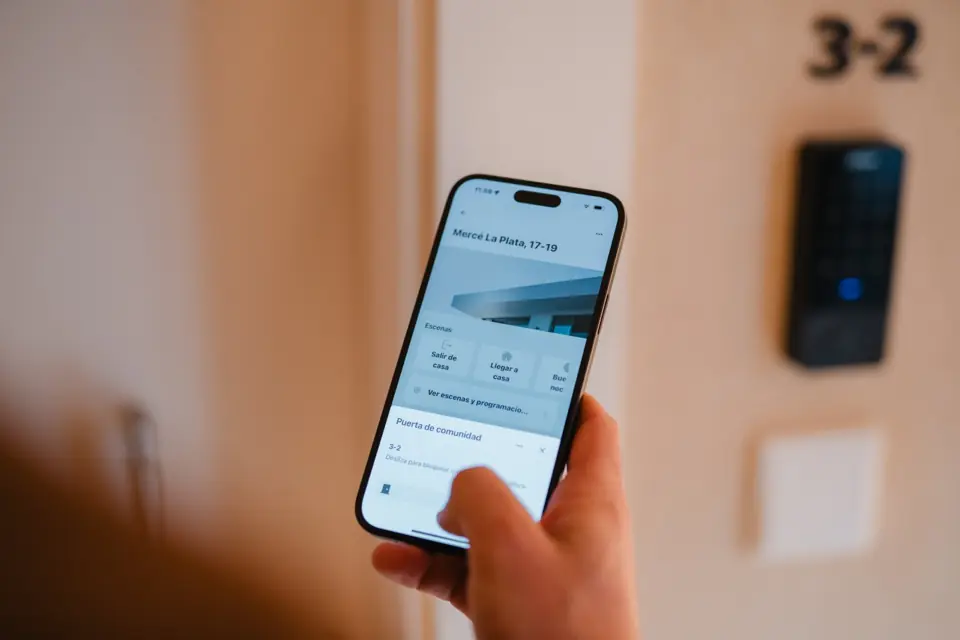
Open the door from your phone. Real-time alerts for water leaks or attempted break-ins.
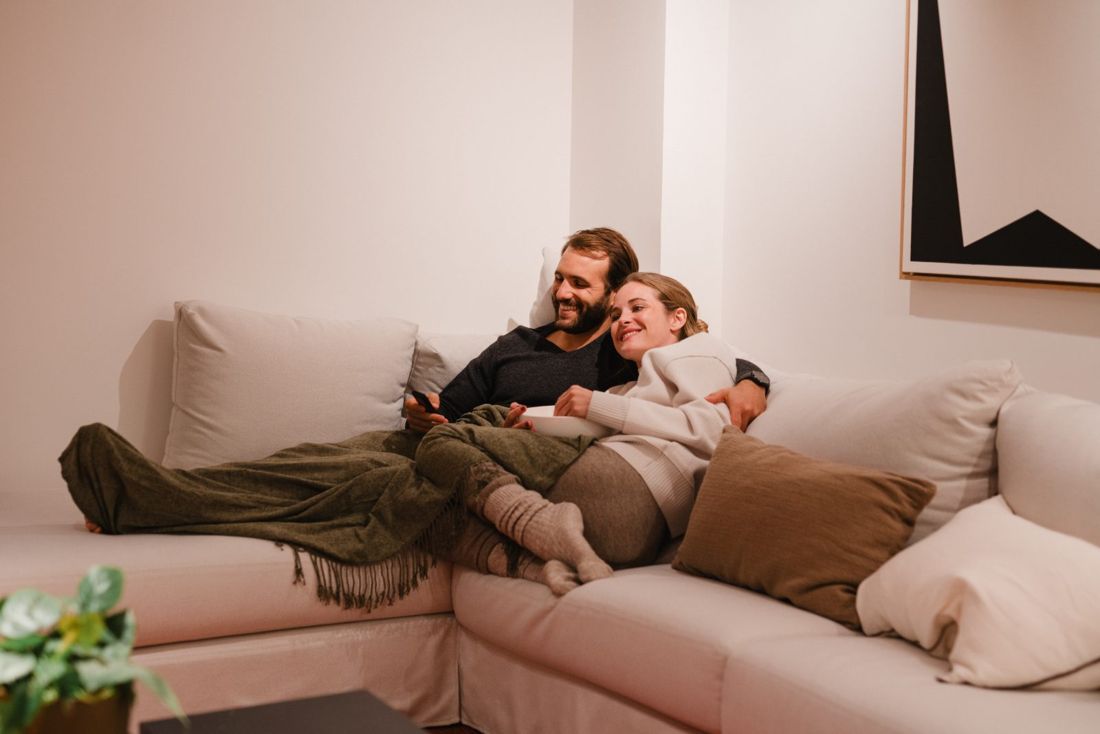
“Good morning” or “Leaving home” with one tap, at a set time or by voice: “Alexa, lower the living-room blind”.
Try it yourself. The Home page recreates the real app, with its buttons and its scenes. See the Home app →
Home automation doesn't stop at the front door. The main entrance, shared areas and the community are in the same app.
Home automation installed as standard plus optional extras packs chosen by the buyer: homes sell better and the extras are additional margin.
Main entrance, shared areas and car park from your phone: no remotes or keys to copy.
The development's community, in the same app: whoever manages the building publishes notices and events from the dashboard, with no WhatsApp and no posters in the lift.
You hand over the development with keyless shared areas: the pool, padel court or common room are booked from the app: the booking opens the door only during their slot. Whoever manages the building has bookings, users, deposits and access in one dashboard, with no booking sheets or keys to lend.
We'll show you the app the buyer will use and how it connects to the main entrance and the community.
For the development's technical or sustainability lead.
You reach BREEAM Vivienda Very Good with no BMS and no building work.
A BMS costs at least €300 more per home.
It requires measuring temperature and consumption and viewing them in an app in real time. Without a platform, it's practically out of reach.
More than 5,000 homes rated at least BREEAM Very Good, with Alfred Smart as BREEAM partner. See BREEAM Vivienda → · Review your development →
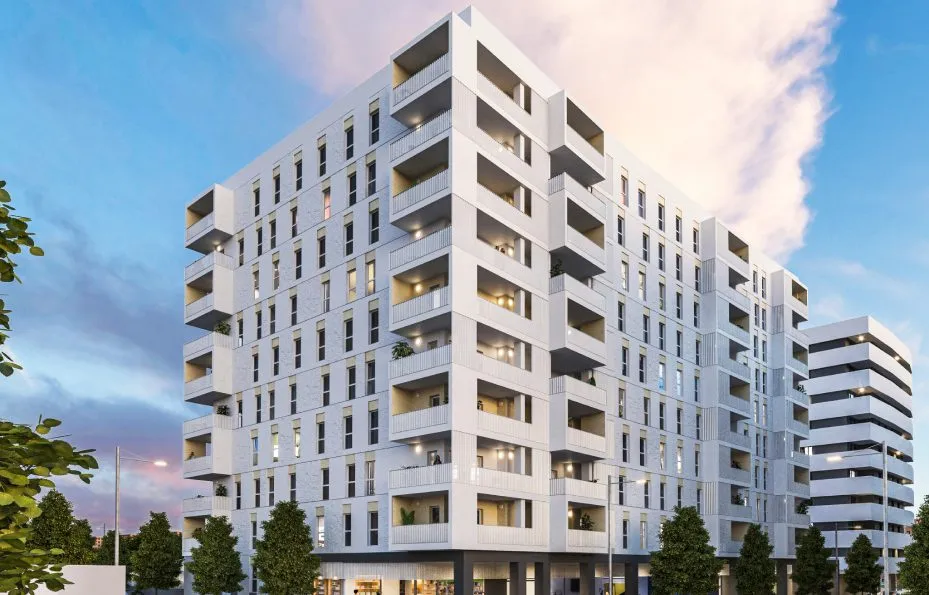 BREEAM Vivienda
New-build development of 82 homes in Seville, BREEAM Very Good.
Our team will get back to you with what fits your building.