Lights
Lighting that follows daylight
The more sun comes in, the fewer lights are on. Without touching a switch.
You publish notices and events from the Hub, and they reach the same app tenants use to open the door and book shared areas. With a notification if you want, to the whole building or just some homes. No posters in the lift or messaging groups.
How your tenant sees it. The screen recreates the real app: tap «Events and news». See how it's published
Each post reaches the tenant's app with an image, date and formatted text. If it has a link, «More information» appears at the bottom.
Try it: open a news item.
The community is replacing the building's main valve. Fill a jug beforehand and don't open the taps during the cut.
Barbecue, tables and views: you can now book from the app, with afternoon and evening slots.
Choose the devices you use most and keep them on the app's home screen.
Registration open until 30 September. Mixed pairs, matches on Saturdays.
On Thursday 15 October the building's main water valve will be replaced. Hot and cold water will be cut off from 10:00 to 12:00.
Status, content, link and which homes it reaches. When you publish, the Hub asks whether to send a notification. Try it: press “Create” and “Save”, and the post reaches the phone on the right.
The community is replacing the building's main valve. Fill a jug beforehand and don't open the taps during the cut.
Barbecue, tables and views: you can now book from the app, with afternoon and evening slots.
Choose the devices you use most and keep them on the app's home screen.
Registration open until 30 September. Mixed pairs, matches on Saturdays.
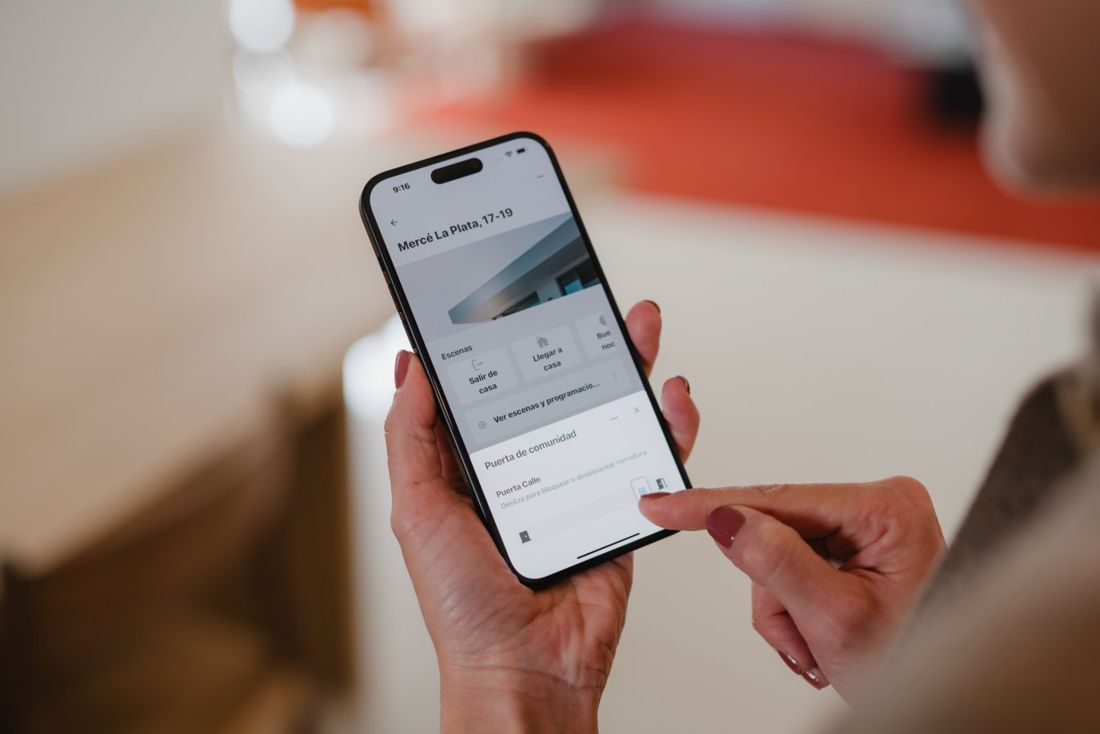
Tenants open their door and receive building notices without switching apps. Your team manages it all from the Hub.
 Spaces
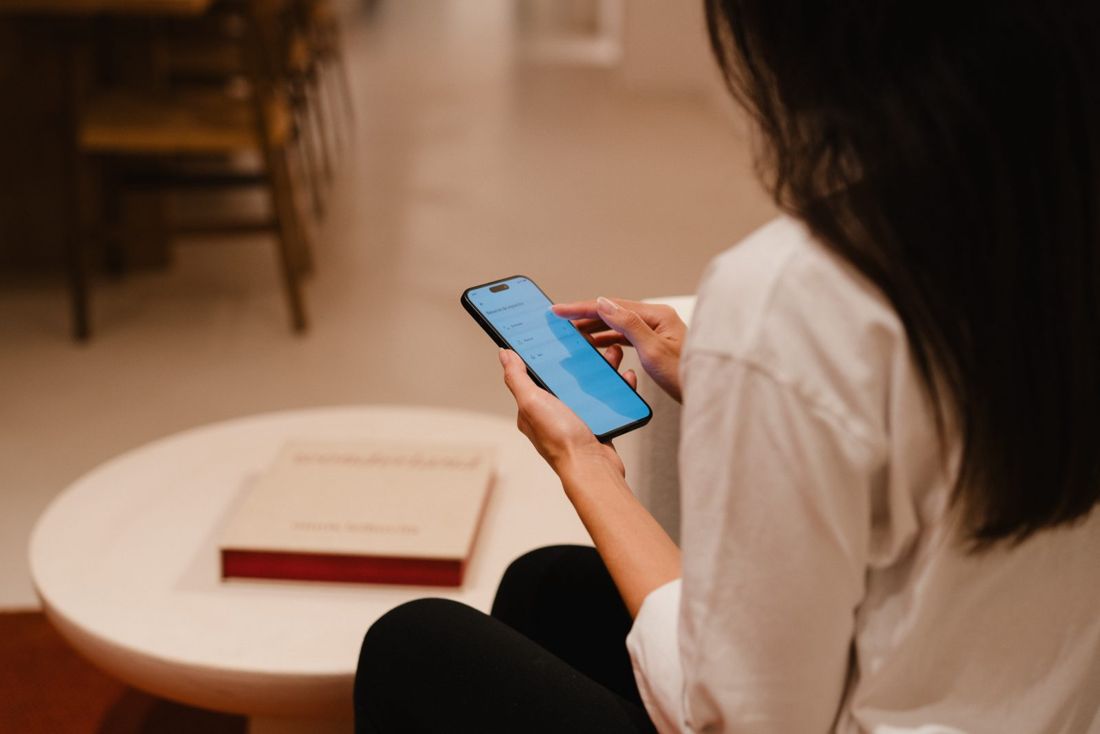
Tenants book the gym, coworking space, a room or the laundry from the app, and the booking opens the door only during their slot.
See Spaces →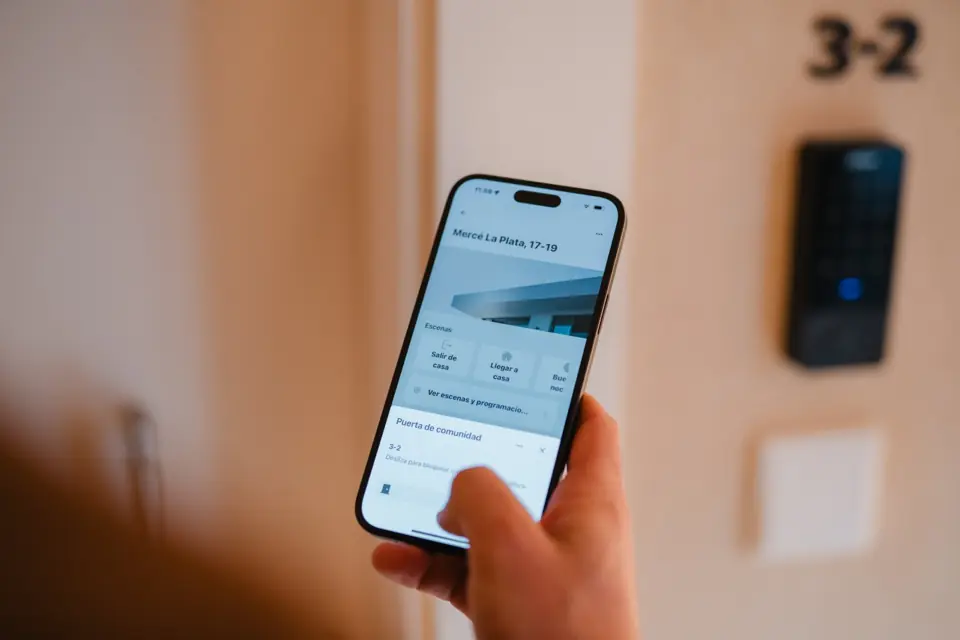 Lock
Tenants open it with a swipe in the app. Your team sends invitations with a start and end date, revokes them when they're no longer needed and sees the log of every opening.
See Lock → Home
Lights, climate, blinds and door for each home, in the same app tenants use to book shared areas and receive building notices.
See Home →Comms comes inside Spaces, for shared areas, and inside Home, for the development or building community.
Your team publishes notices and events from the Hub and they reach the same app tenants use to open the door.
The development's community, in the same app: news and events reach every neighbour's phone.
Your team posts a notice from the Hub and it reaches the same app residents use to book shared areas and open their door.
It comes in through the property administrator: they publish the community's notices and these reach the same app residents use to book the pool or the padel court.
No. Posts reach the Alfred app they already use to open doors and book shared areas.
Yes. When you create the post, you choose whether the whole building sees it or only the homes you select.
When you publish, the Hub asks whether to send a notification.
The title and text are written in Spanish and English.
We'll show you how you publish from the Hub and how your tenant sees it in the app.