Lights
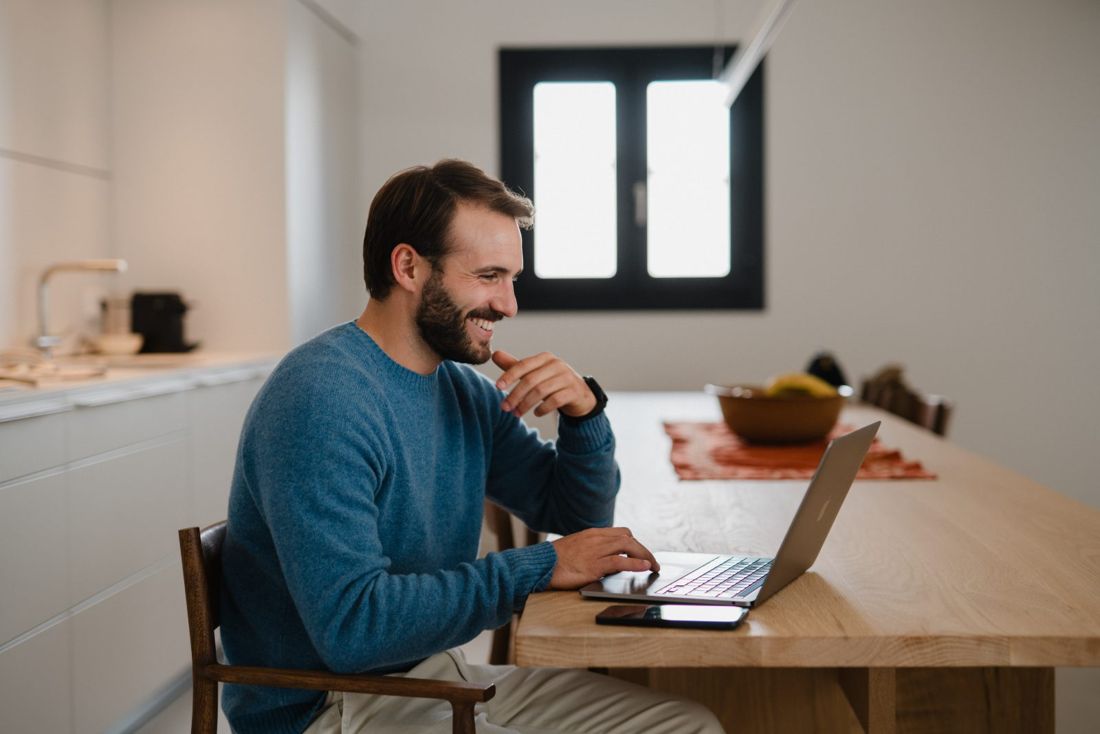
Lighting that follows daylight
The more sun comes in, the fewer lights are on. Without touching a switch.
You add each space and set its opening hours, capacity and rules. The booking opens the door only during its slot. You stop lending keys and know who went in and when.
These are screens from your user's app and your team's Hub, with demo data. You can use them: switch tabs or open a booking.
Nobody lends keys or writes down bookings at reception. The booking is the permission to enter.
Booking is no use if the door is still locked with a key. Here the booking opens the door, only during its slot.
Your user sees what's free and books without asking anyone. With Comms, your notices reach the same app.
Padel, coworking, common room, gym or laundry: each with its photo, location and slots. Your user only sees the spaces you give them.
Try it: tap a space and go on to book it.
The calendar only lets you pick days open for booking, and past or taken slots are greyed out. No double bookings or sign-up sheets at reception.
Try it: choose a day and a slot, press “Next” and then “Book”.
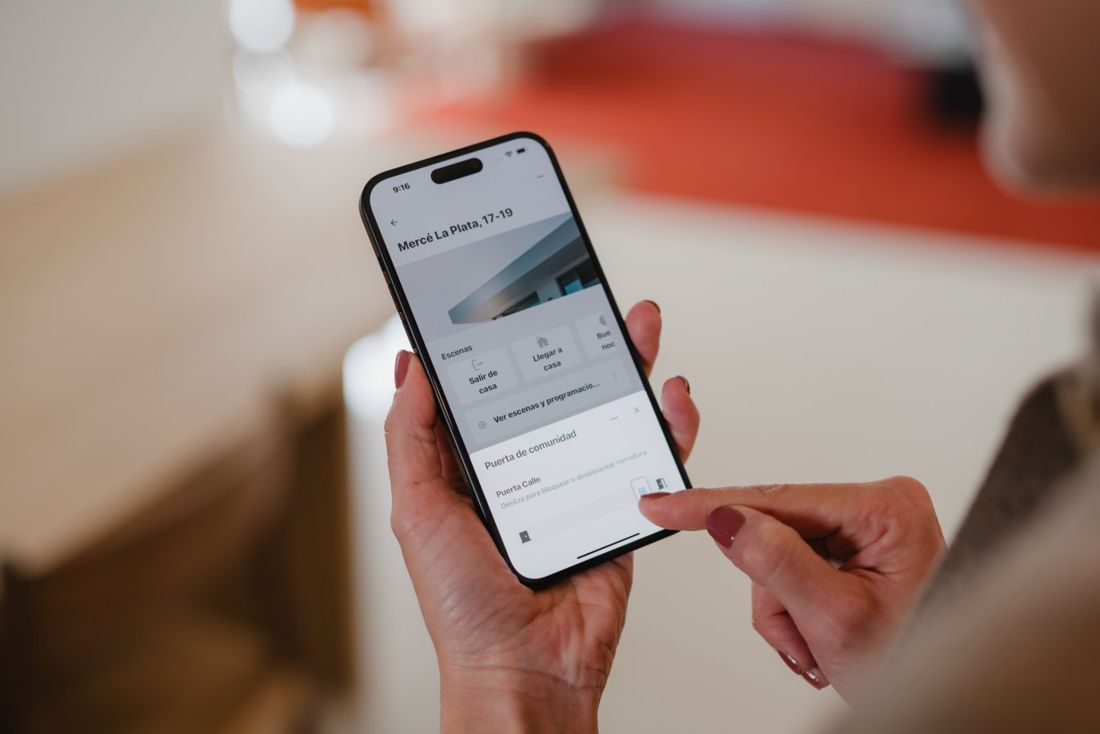
The booking comes with its access. Before the slot, the booking page shows when they can get in. During the slot, the space's doors appear and your user opens them from there. When it ends, they stop opening.
Try it: in the current booking (right), tap a door. The rules expand when you tap them.
One booking per home per day, for one hour at most. Turn the lights on when you start and off when you finish.
You'll be able to pay the deposit 24 hours before your booking starts. If you haven't paid the deposit, you won't be able to access this space.
Access will be available on the scheduled date and time.
Hot desks: leave the desk as you found it. Calls in the phone booths.
Space types, spaces, bookings and deposits in one place. Each space is set up once, in six steps, and the app applies the rules by itself.
Give each tenant company the monthly hours of meeting rooms, auditorium and terraces included in its lease. Its people book from the app, each booking is deducted from their company's allowance and the door only opens during their slot.
You see each company's balance: hours available, used and booked.
Each person sees how much the booking deducts and how much their company has left. If they cancel in time, the hours go back into the allowance.
To adjust the contract of whoever runs short or doesn't use their hours.
Each space is set up once from the Hub, and the app applies the rules on its own.
Days, opening hours and slot length for each space.
How many people fit in each slot.
How many bookings each person can hold for a space.
How many days ahead you can book.
Shown on each booking's page.
Each space, only for the user groups you choose.
Requires being nearby to open: 500 m by default.
You close a space for a few days from the calendar, with a reason that users can see.
Held on the card 24 hours before and only collected if the space isn't left in good condition.
Coming soon: pay per use.
For courts, event rooms or any space that has to be left as it was found. This is how it works in Alfred today:
Spaces is built on Lock: the same platform books and opens the door.
Connects the doors to the app. How many depends on radio coverage to each door. Each gateway needs internet.
Motorised lock over the cylinder or electronic cylinder, both battery-powered. Or a relay, if the door is electrified.
See Lock →Your installer fits it with our guide, or an installer from our network. Electrifying a door is a job for an electrician.
Gym, coworking, rooms and laundry booked from the app: the booking opens the door only during their slot. Bookings, users, deposits and access in one dashboard.
Gym, coworking, rooms and laundry booked from the app: the booking opens the door only during their slot. With Comms, your notices reach the same app.
If the development has a pool, padel court or common room, residents book from the app and the booking opens the door during their slot.
You add meeting rooms, auditorium, terraces and hot desks, set hours and capacity, and know who went in and when. In a coworking space, each member books their room or desk and gets in only during their slot. With several companies in the building, each one has its own hours allowance.
Meeting rooms, gym and shared spaces: guests book from their phone and the booking opens the door, only during their slot. No need to go to reception.
Pool, padel and common room booked from the app: the booking opens the door during their slot. Also through your property administrator.
We'll show you bookings, access and deposits with your own spaces.