Lights
Lighting that follows daylight
The more sun comes in, the fewer lights are on. Without touching a switch.
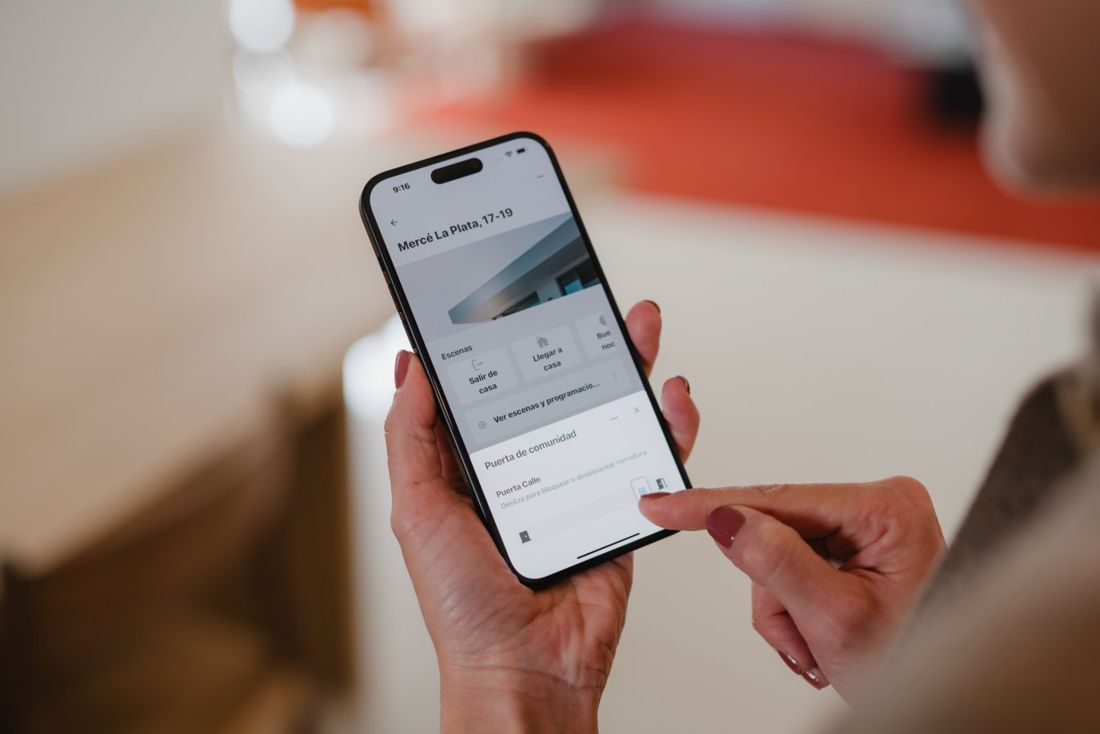
Lights, climate control, blinds, lock and consumption in the Alfred Smart app, with scenes and with Alexa. Wireless and with no building work in most homes, or wired over your KNX installation. And if your building also works with Alfred Smart, the same app opens the main entrance and books the shared areas.
The screens reproduce the real app. You can tap them: the buttons, sliders and scenes work.
Take them together or separately; all of them are controlled from the same app and with Alexa.
Switch on, switch off, dim and choose the colour of each light from the app, or schedule it.
Try it: tap the colour wheel and adjust the brightness.
Heating and air conditioning from your phone: set point, mode and fan speed. With schedules by room and scenes like “Leaving home”.
Try it: drag the temperature or change the mode.
Raise or lower them one by one or all at once. They go up with your alarm and adjust to light and temperature. Compatible with standard blinds, awnings and roller shades.
With temperature sensors, smart shading can lower the indoor temperature by up to 9 °C.
“Alexa, lower the living-room blind”Try it: press raise and stop it halfway.
A scene controls Lights, Climate and Cover at the same time. It's triggered with a tap, at a set time or by voice. Tap one and watch the other screens on this page change.
Link your Alfred Smart account in the Alexa app and control lights, climate, blinds, scenes and the door by voice. Tap a phrase or let it play on its own, and watch how the app responds.
To open the door, Alexa first asks for your voice code.
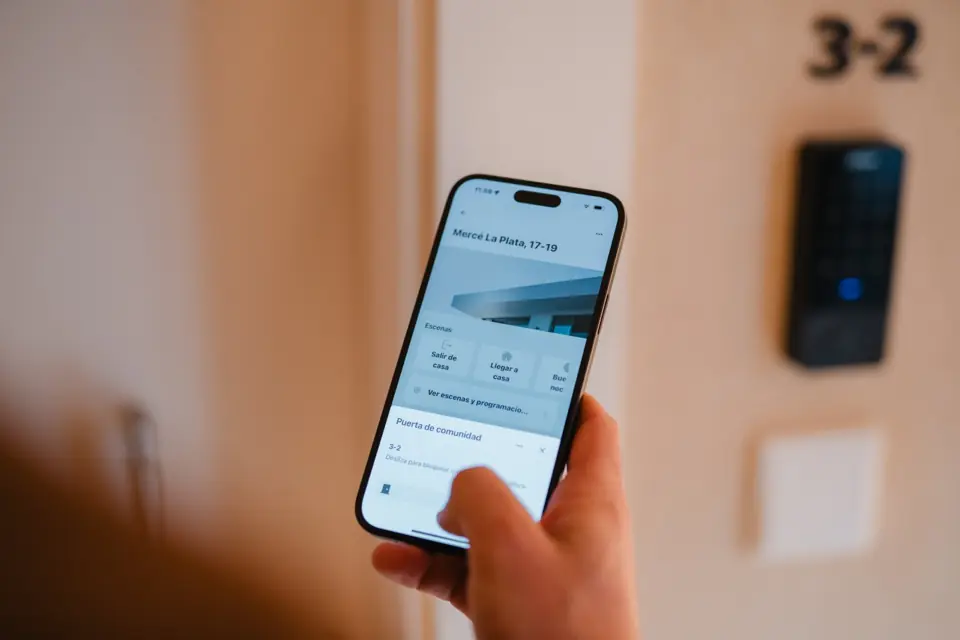
Home doesn't stop at your front door. When the building or development also works with Alfred Smart, the same app you use to turn on the lights lets you in through the main entrance, book the shared areas and keep up with what is happening in the community.
 Lock
You enter the building and your home from your phone, without keys. Invite whoever you like and remove access when it is no longer needed.
See Lock →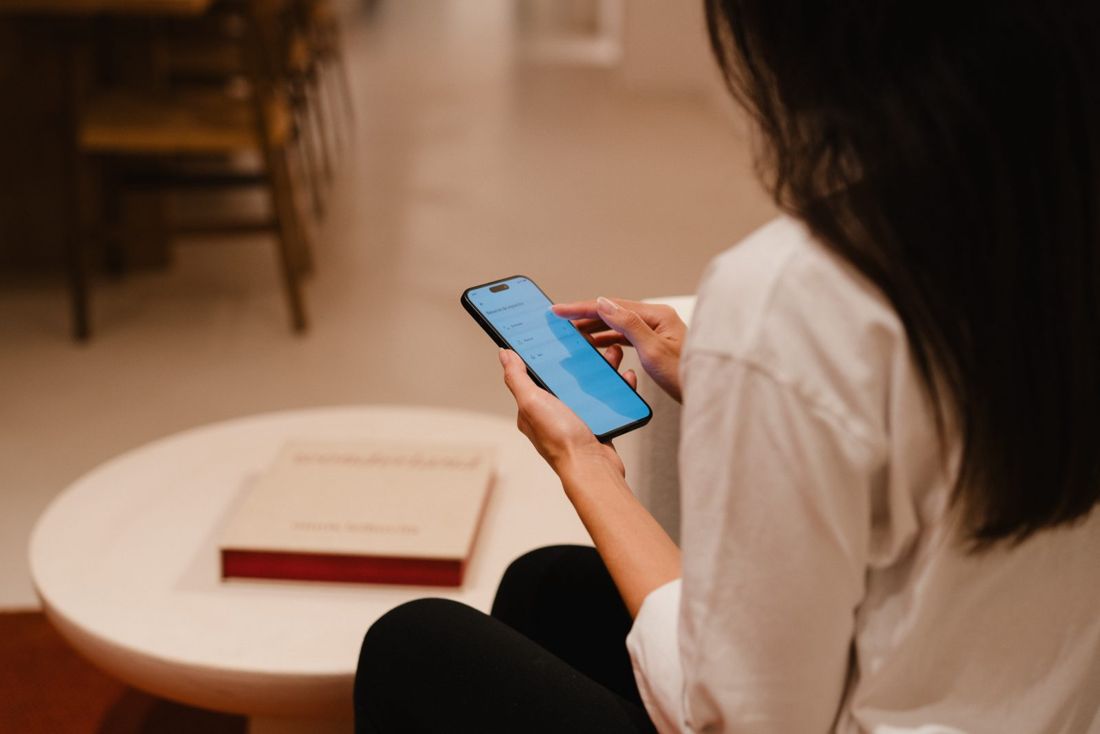 Spaces
Court, room or gym: see what is free and book in the same app, without calling anyone.
See Spaces → Comms
Water cuts, works or building news reach you in the app, alongside your lights and climate control.
See Comms →Most systems end at the front door: for the main entrance, the shared areas and the community you need other apps. Home is on the same platform as the building.
One app for the lights, another for the climate control and another for the lock. With Home everything is in one, with scenes that control several things at once.
It isn't the alternative: it is one of the two ways to install Home. If your home has KNX, or is going to, Home integrates it in the same app.
 Homeowner
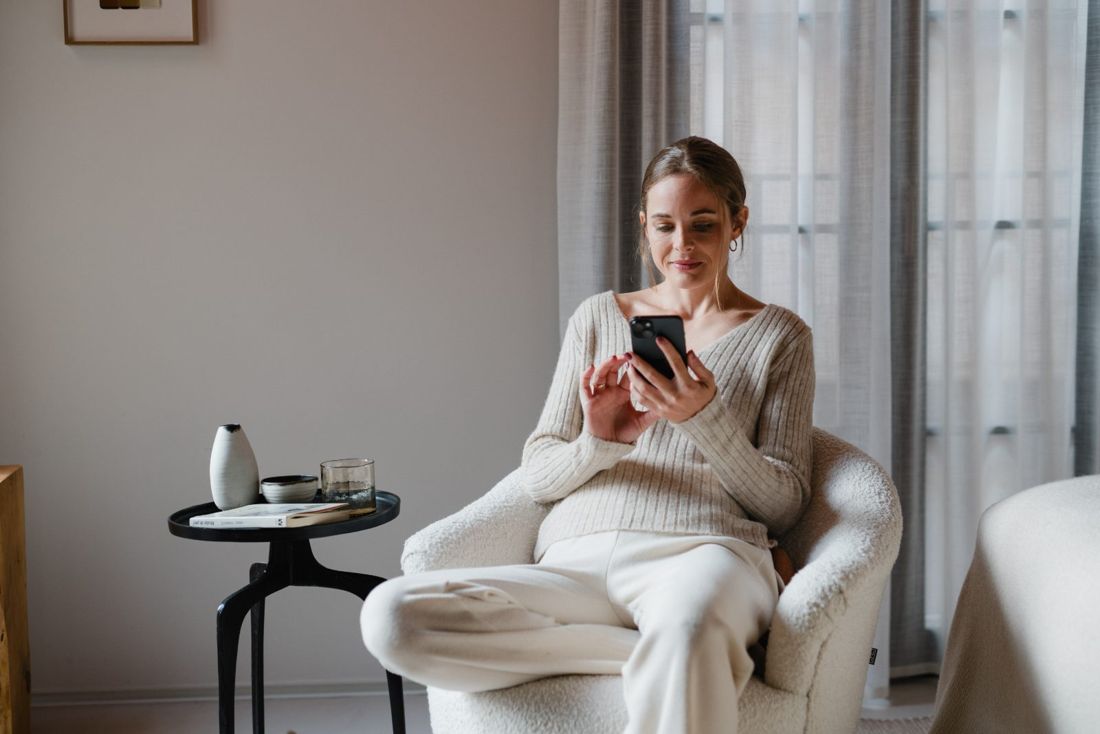
You want a comfortable home that uses less. A single system controls lights, climate and blinds from your phone and by voice.
Request a quote →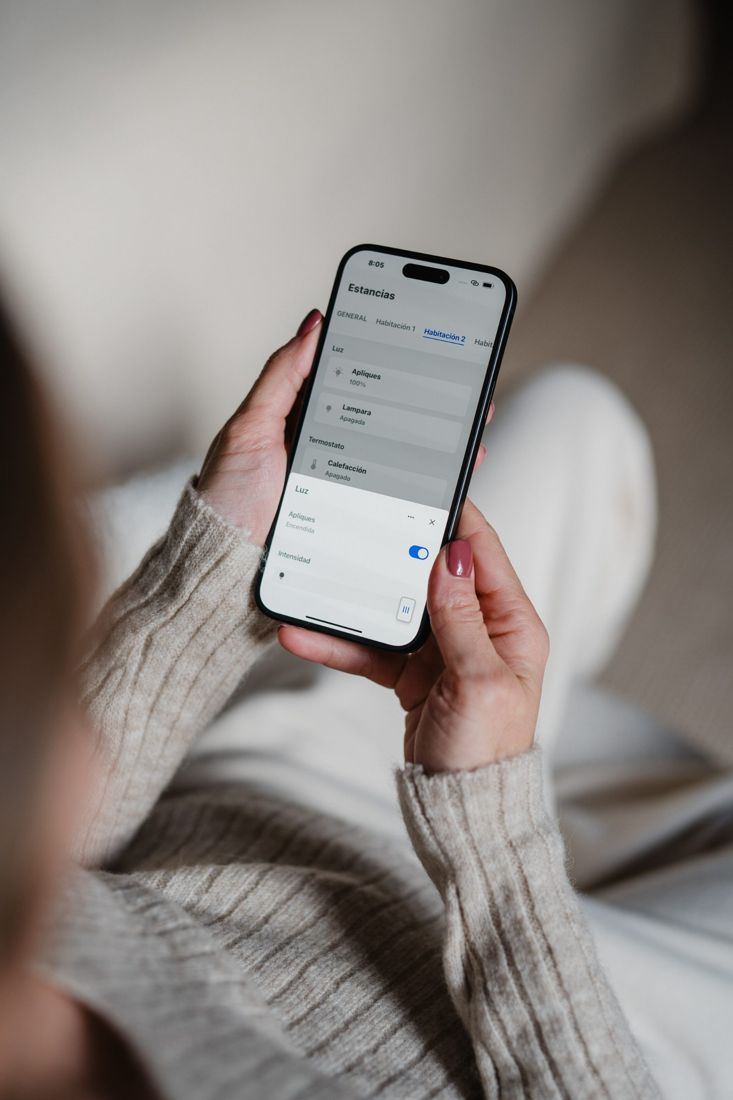 Developers
You specify the home automation for the whole development and each buyer chooses their extras pack in the configurator: homes sell better and the extras are additional margin.
See the solution for developers → Build to Rent
Home in every home, with Lock for access and Comms to talk to tenants. The manager runs everything from one platform, and the tenant from one app.
See the solution for Build to Rent →Home works the same with both: the same app, the same scenes and Alexa. What changes is how it reaches each light, each blind and each thermostat.
The modules go behind the switch you already have, in the same box. Designed for the home you already live in or for a light renovation.
If your home has KNX, or will have it, Home integrates it. The bus, push-buttons and actuators stay yours, and you control them from the same app.
With the switches you choose. Switches, push-buttons and sockets in the brand and finish you like: Home works behind them, out of sight.
Wall panel, optional. If you'd rather not take out your phone, a wall-mounted screen with the same interface as the app.
What is installed. A gateway in the consumer unit, lighting and blind actuators, the thermostat and flood sensors. With a single gateway per home, you can later add a lock, garage, smoke detector or energy meter.
Not if you choose the wireless installation: in most homes it is quick and clean, with no building work. If you are building new or doing a full renovation, you can also choose wired KNX. The technicians take care of everything and leave it set up for you.
Lights, climate, blinds, lock and electricity, water and gas consumption. You can also create scenes and control your home by voice through Alexa.
Today it works with Amazon Alexa. Siri and Google Home have been announced as coming soon.
If you have the wireless installation, the devices are easy to move and the team helps you with reinstallation. The KNX wired installation is part of the home and stays with it.
You decide who has access to your home, and you get real-time alerts for water leaks or attempted break-ins.
Tell us what you want to control and we'll send you a no-obligation quote.